Dating SOI vs DOI Offers: How to Buy Traffic for CPL Dating Campaigns in 2026
Most dating offers don't pay on a sale. They pay on a lead: a visitor who fills in a short sign-up form. That makes dating one of the easiest verticals to test, and one of the easiest to lose money in, because the payout you see in the network isn't the number that decides your profit. The conversion type does.
This guide explains the two lead types you'll see on almost every dating CPL offer, single opt-in (SOI) and double opt-in (DOI), which traffic formats suit each, how to work out the most you can afford to pay for traffic, and a 7-day plan for testing a new dating offer.
SOI and DOI: what you're actually paid for
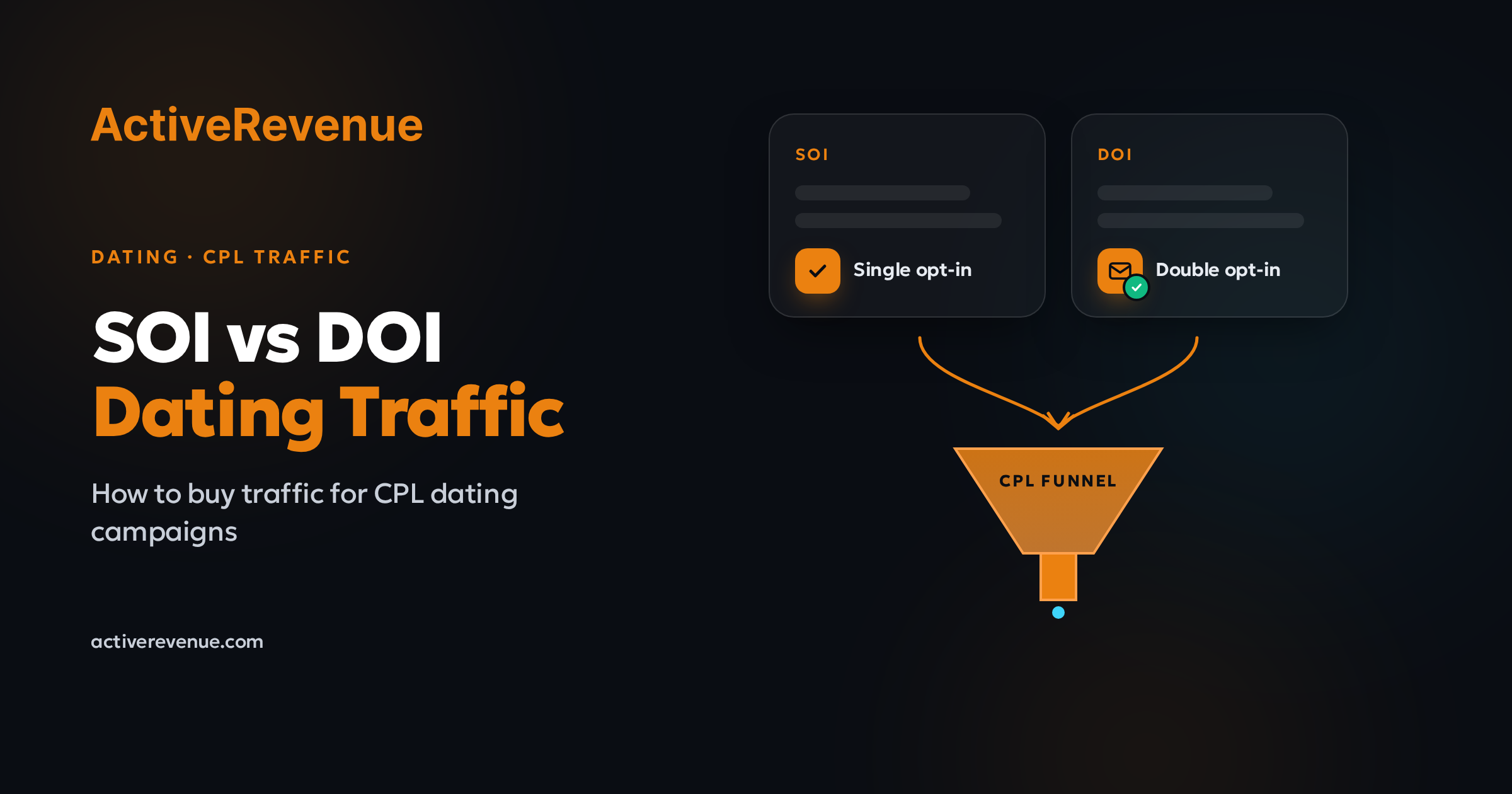
SOI (single opt-in). You get paid when the visitor submits the registration form, usually just an email, age confirmation and sometimes a username. There's no confirmation step, so conversions show up fast and in volume.
DOI (double opt-in). You get paid only after the visitor confirms the account, typically by clicking a link in a confirmation email. Some people never open that email, so fewer leads convert, but each one is worth more to the advertiser and usually pays more.
A few practical differences follow from that:
Speed of feedback. SOI conversions arrive within minutes, so you can judge placements quickly. DOI conversions can arrive hours later, after the visitor checks their inbox.
Payout vs conversion rate. DOI pays more per lead, but a share of your sign-ups never confirm. Comparing the two on payout alone is misleading.
Quality checks. Advertisers watch both lead types for junk sign-ups (fake emails, bots, repeat registrations). Offers with low-quality leads get scrubbed or paused, so traffic quality matters more than raw volume.
Offer rules. Each offer lists its accepted GEOs, devices, age rules and allowed traffic types. Some don't accept pop or push at all. Read the terms before you launch, not after the first rejection.
Which traffic formats fit SOI and which fit DOI
There's no fixed rule, but each format tends to suit one lead type better.
Popunder: volume testing, usually SOI
Popunder opens the offer behind the page the visitor is browsing. It's cheap per impression and scales fast, which makes it ideal for finding which GEOs, devices and placements produce sign-ups at all. Pop visitors didn't ask to see your page, so a short, simple flow (one question pre-lander, then the form) suits SOI better than a multi-step DOI funnel. Our popunder guide covers bidding and placement basics.
Zero-click: higher intent, good for DOI
Zero-click traffic comes from visitors who typed a domain or followed a redirect and land straight on your page. They're often in a "looking for something" frame of mind, which tends to help on a DOI offer where the visitor has to take a second step. See the zero-click guide for how the format works.
Push and in-page push: creative-led, works for both
Push and in-page push let you test messaging: a short title, an image and a hook. For dating that means you can test angles (local, casual, serious, age group) cheaply before committing budget. Start on SOI to learn which angles get clicks and sign-ups, then try the winners on a DOI offer. The push ads guide has setup and creative tips.
How to turn a payout into a maximum bid
This is the part most beginners skip. You don't need market benchmarks to do it, only your offer's payout and your own test data. On ActiveRevenue you buy traffic on CPC or CPM only — those are the two models this section uses.
Step 1: work out what one click (or visit) is worth.
Value per visit = payout × conversion rate (visit to paid lead)
Step 2: decide your margin. If you want to keep 30% as profit, you can spend 70% of that value on traffic.
Step 3: turn that into a CPC or CPM bid.
CPC: the value per visit (after your margin) is already your max click price.
CPM: multiply the value per visit by 1,000 (pop and zero-click deliver roughly one visit per impression; check your own stats to confirm the ratio), then apply your margin.
Worked example (illustrative numbers, not benchmarks):
SOI offer
Payout per lead: $2.00
Visit-to-sign-up rate: 2.0%
Share of sign-ups that confirm: n/a
Paid leads per 1,000 visits: 20
Revenue per 1,000 visits: $40
Max CPC at 30% margin: $0.028
Max CPM at 30% margin: $28
DOI offer
Payout per lead: $5.00
Visit-to-sign-up rate: 2.0%
Share of sign-ups that confirm: 40%
Paid leads per 1,000 visits: 8
Revenue per 1,000 visits: $40
Max CPC at 30% margin: $0.028
Max CPM at 30% margin: $28
In this example the DOI offer pays 2.5 times more per lead but earns exactly the same per 1,000 visits, because most sign-ups never confirm. Swap in your own numbers: if your traffic confirms better than 40%, DOI wins; if it confirms worse, SOI does. That's why you test both on the same traffic before picking one. Whether you bid CPC or CPM, use the same revenue-per-visit math — only the bid unit changes.
Two cautions: early conversion rates are noisy, so wait until a placement has spent a meaningful amount before trusting its rate. And on DOI, count confirmations, not sign-ups, or your numbers will look far better than your payouts.
Tracking that makes the math work
All of the above depends on knowing exactly which placement produced which paid lead.
Pass a click ID and the placement or source ID into your tracker on every visit.
Fire a postback on the paid event. For SOI that's the sign-up; for DOI it's the confirmation. If your network sends both, track them as separate conversion events so you can see the confirm rate per placement.
Keep a short delay in mind. DOI confirmations arrive late, so don't cut a placement on day one just because confirmations haven't caught up.
Our UTM, postback and conversion tracking article covers the setup on ActiveRevenue.
A 7-day test plan for a new dating CPL offer
Day 1: Prepare. Read the offer terms (GEOs, devices, age rules, allowed traffic types). Set up the tracker, the click ID and the postback. Build two pre-landers with different angles.
Day 2–3: Broad pop test on SOI. Launch popunder on one or two allowed GEOs, split mobile and desktop, bid at the suggested level. Collect placement data.
Day 3–4: Push angle test. Run three or four push creatives with different hooks on the same GEO. Keep the ones that drive sign-ups, not just clicks.
Day 4: First cut. Blacklist placements that spent meaningfully with zero sign-ups. Build a whitelist of placements that convert.
Day 5: Add zero-click and a DOI offer. Point zero-click and your best push angle at a DOI version of the offer, if one exists for the GEO.
Day 6: Compare on revenue per 1,000 visits. Use the table above with your real numbers. Raise CPC or CPM bids only on placements with room under your max.
Day 7: Scale or stop. Move budget into the winning format, offer type and whitelist. Pause anything that's under your break-even line after a fair test.
Mistakes that burn dating budgets
Choosing the offer by payout alone. A higher DOI payout means nothing until you know your confirm rate.
Long funnels on cold traffic. Pop visitors leave quickly. Keep the path from pre-lander to form short.
Ignoring lead quality. Placements that send junk sign-ups get your traffic scrubbed. Watch for sign-ups with no confirmation and no on-page activity, and cut those placements.
Running one creative everywhere. Dating angles that work in one GEO or age group often flop in another. Test locally.
Targeting GEOs or devices the offer doesn't accept. Those leads don't pay, and repeated violations can cost you the offer.
Start testing dating traffic on ActiveRevenue
ActiveRevenue has been a self-serve traffic platform since 2013 and has worked with 15,000+ affiliates. You buy on CPC or CPM, and can launch popunder, push, in-page push and zero-click campaigns across 248+ GEOs, target by GEO, device and schedule, and manage your own whitelists and blacklists from the dashboard.
Create your advertiser account and start your first dating test, or see the dating traffic page for targeting options.